
How To Vote On Shining Awards (Tutorial)
Support your favorite artist in just a few easy steps. Follow this guide carefully to make sure your vote is counted successfully.
Step 1: Visit the Shining Awards Website
Go to the official website:
👉 https://shiningawards.com
Step 2: Choose an Ongoing Poll
Scroll down on the homepage until you find the ONGOING POLLS section.
Select the category you want to support.

Step 3: Open the Vote Section
After selecting a category, the voting page will open.
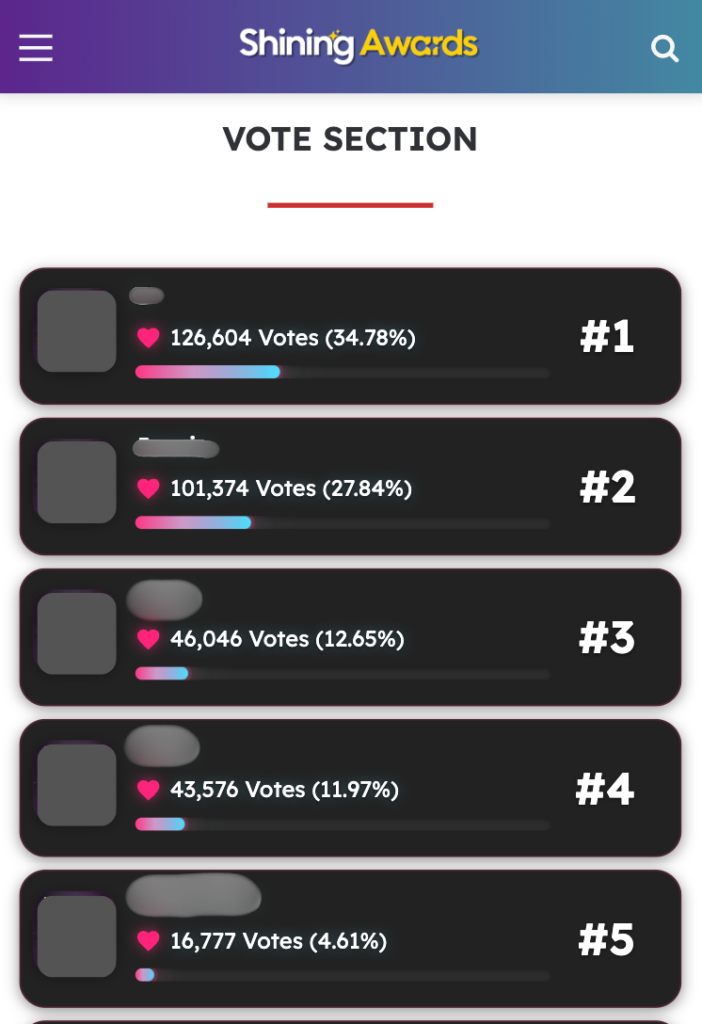
Scroll down until you reach the VOTE SECTION.
When you enter this section, a popup titled “Verification Required” will appear.
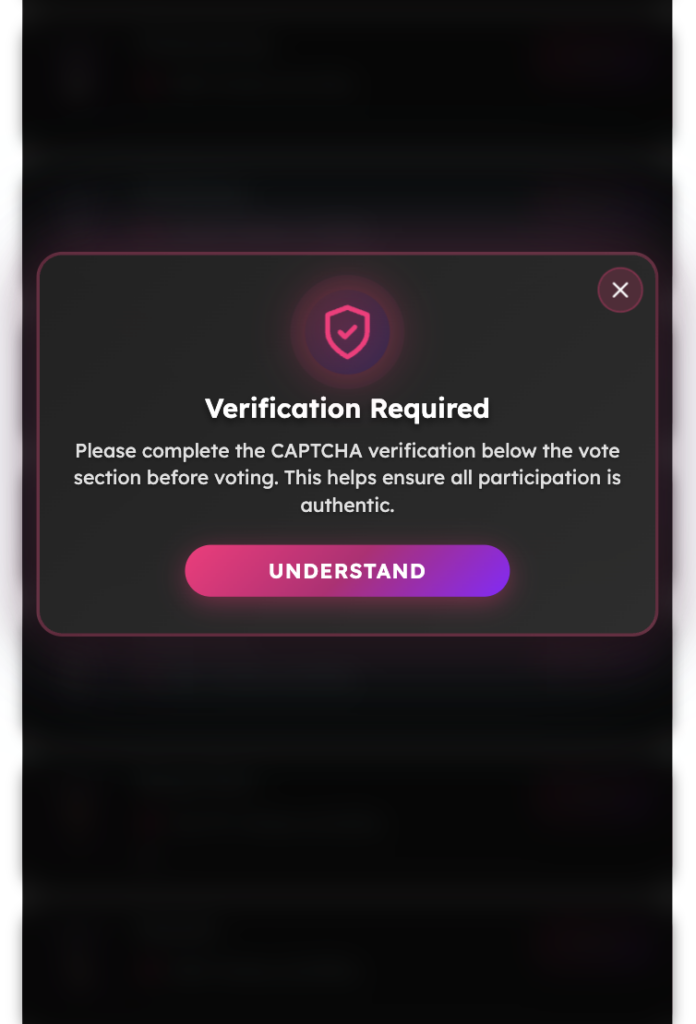
Step 4: Confirm the Verification Message
Tap the UNDERSTAND button to proceed.
Step 5: Complete Human Verification
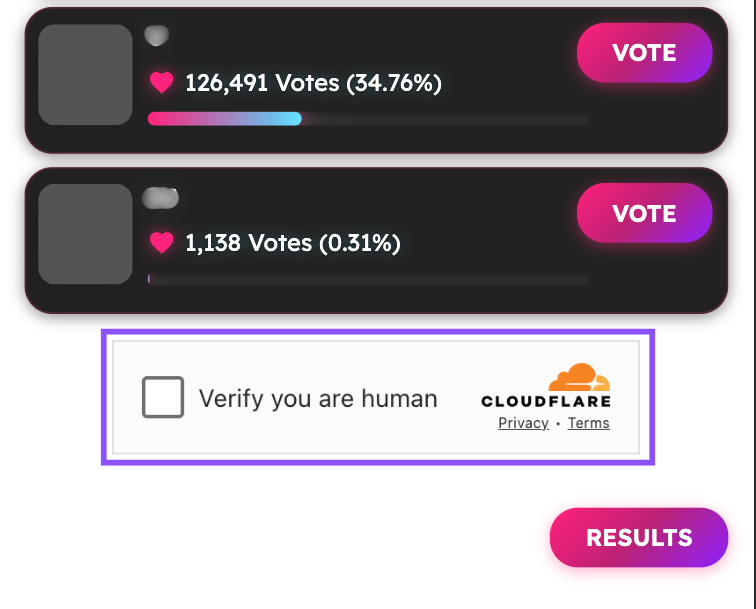
Scroll further down to the bottom of the Vote Section.
Complete the human verification by checking “Verify you are human”.
This step helps ensure all votes are fair and authentic.
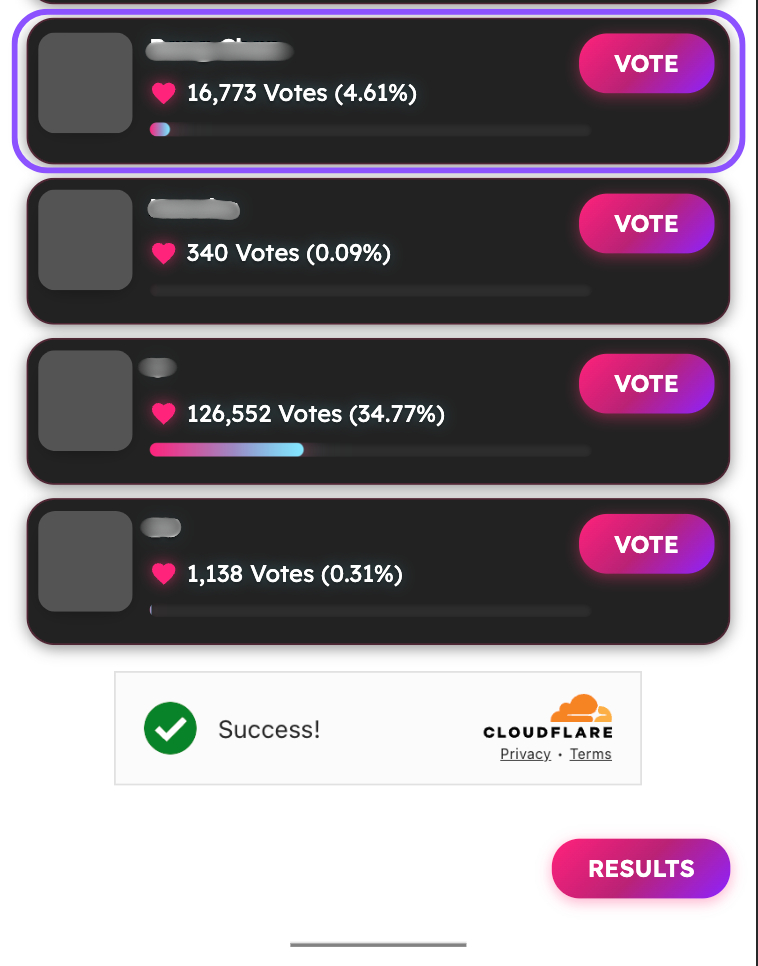
Step 6: Vote for Your Favorite Nominee
After the verification is completed:
- Choose your favorite nominee
- Tap the VOTE button next to their name
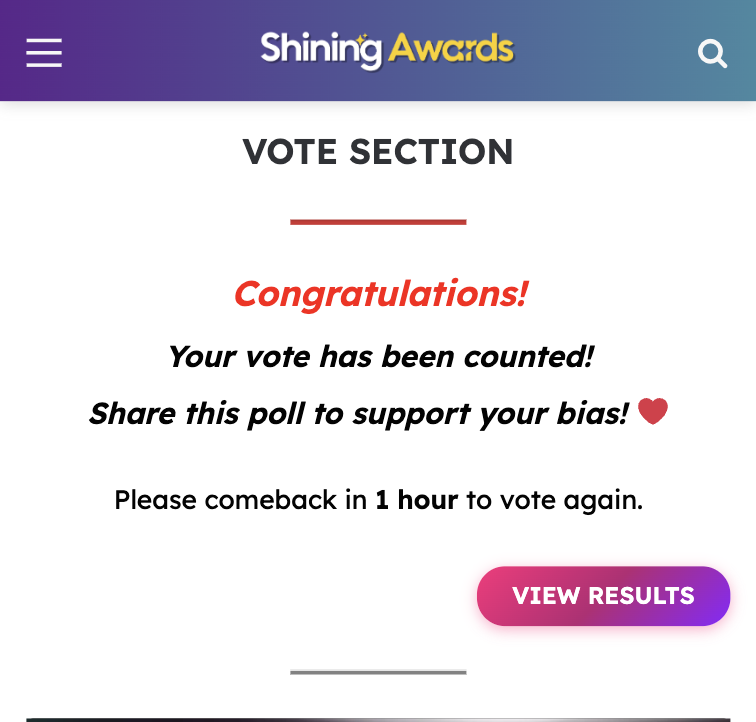
Step 7: Vote Confirmation
If your vote is successful, you will see a confirmation message:
“Congratulations! Your vote has been counted!”
This means your vote has been officially recorded in the system.
Step 8: View Live Results
Tap VIEW RESULTS to see the latest voting results in real time.
Important Information
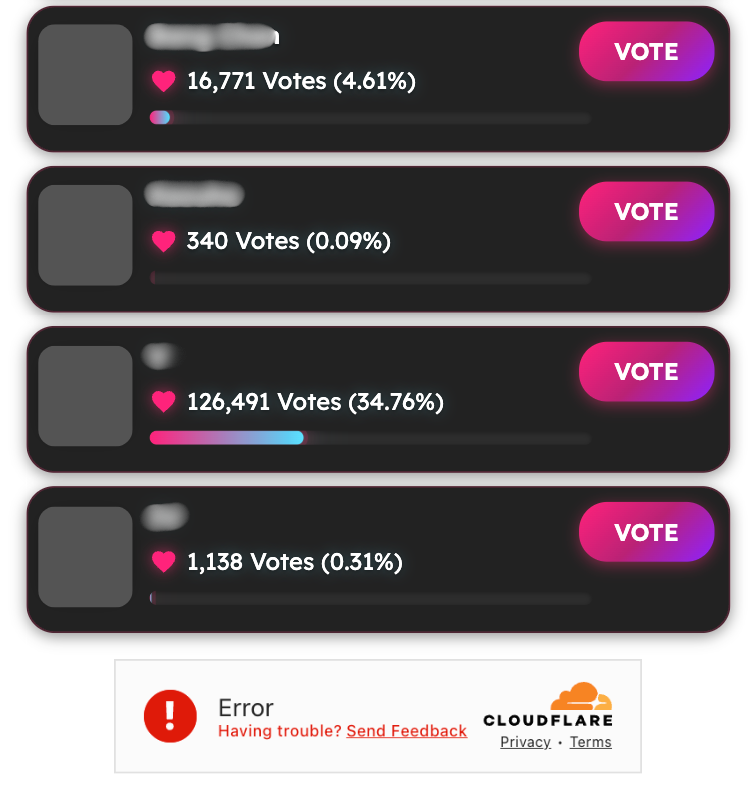
If you experience any issues during the voting process, please follow the guidance below:
- Captcha Error or Verification Failed
If you see an error message or the verification fails, simply refresh the voting page and try voting again. - Make sure your internet connection is stable before retrying.
- Complete the human verification before clicking the VOTE button.
This ensures your vote can be processed smoothly and counted successfully.
Additional Information
Nominee Details & Bonus Vote Power
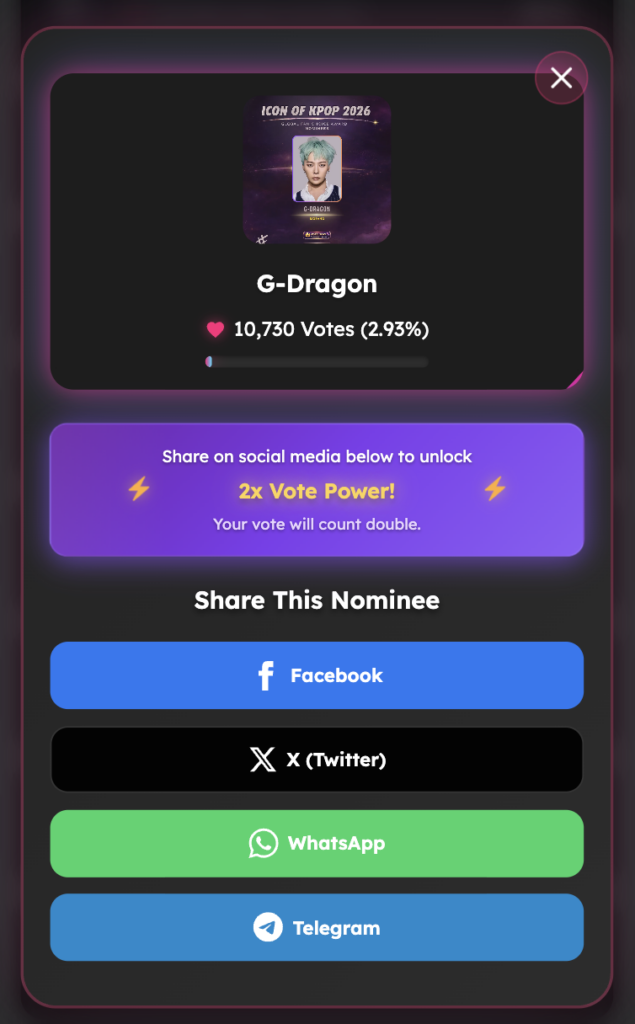
- View Nominee Details
You can tap on a nominee’s name or profile card to open a popup modal containing detailed information about the artist. - Get 2x Vote Power by Sharing
Inside the nominee popup, you will find sharing options for social media platforms such as Facebook, X (Twitter), WhatsApp, and Telegram.When you share the nominee on social media, your vote will receive 2x Vote Power, meaning your support will count double. - Make sure the sharing process is completed successfully to unlock the bonus vote power.
This feature allows fans to learn more about their favorite artists while boosting their support through social sharing.
Important Notes
- Each user can vote once every 1 hour,
- If you don’t complete the human verification, you can’t do vote or your vote will not be counted
- Make sure you see the confirmation message to ensure your vote is successful
Quick Reminder for Fans ❤️
- One tap = one support
- Every vote matters
- Come back in 1 hour to vote again
Share this poll and help your favorite artist shine! ✨